
~/conflict-tool
Windows app · FiveM tooling Public beta

Conflict tool

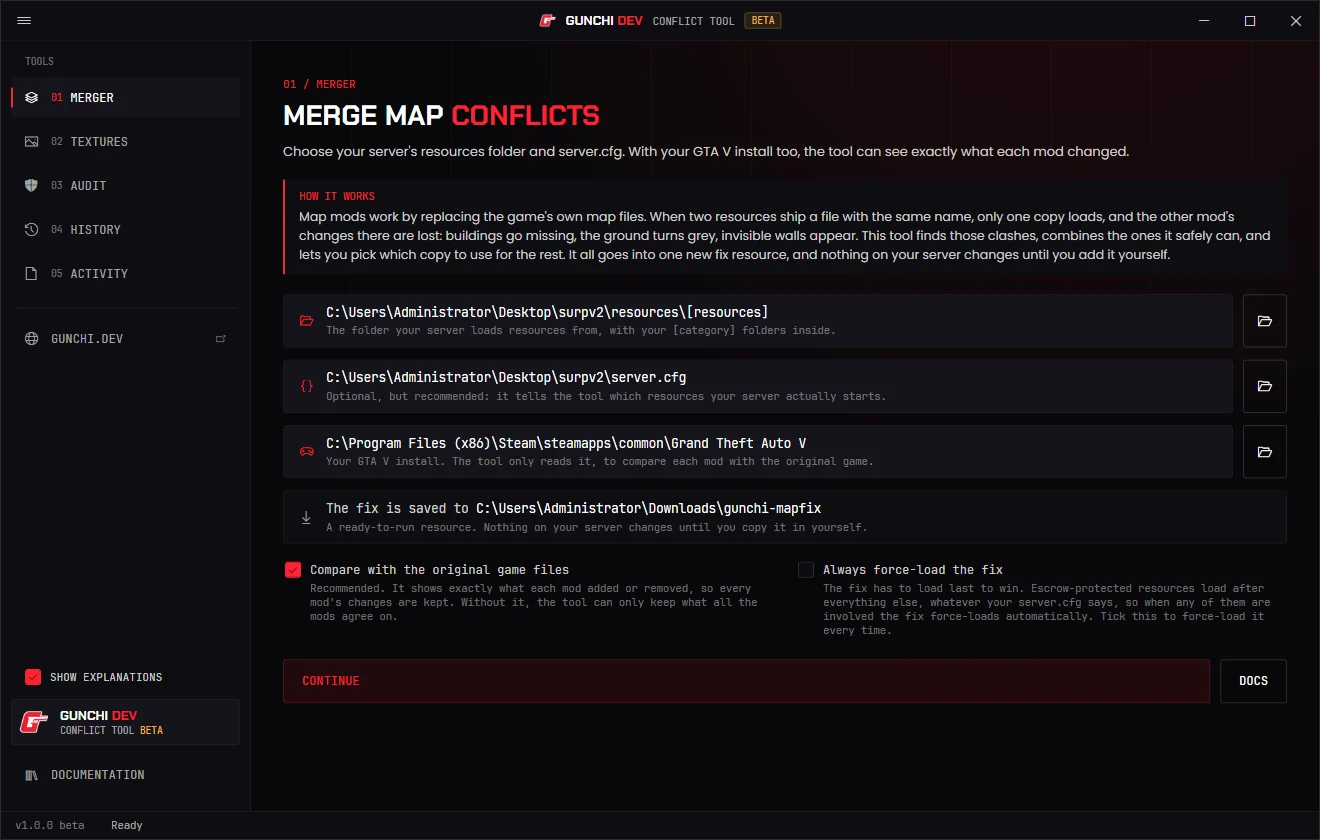
Scans every map your server starts, merges the overlapping files against vanilla and exports one gunchi-mapfix resource. No website, no account, no upload.

Version
1.0.0 Beta
Released
1 November 2026
Platform
Windows 10 / 11 (64-bit)
Download
43.3 MB installer
Price
Free
Live servers
— running gunchi-mapfix
Public beta

Running on a live server, but expect rough edges and changes between versions. Your resources are never edited: the fix is its own resource, so removing it rolls everything back. Check the merged areas in game and report issues on Discord.

The conflict tool's merger page
Servers running gunchi-mapfix
0
Measured
1 Nov 2026

Counted daily from 5metrics.dev, once servers run gunchi-mapfix under that name.

01

What it fixes

01
Grey voids
Occlusion from one map hiding another's area.
02
Vanilla buildings returning
Removed buildings and LODs showing through MLOs.
03
Bad collision
Invisible walls and fall-throughs where maps overlap.
04
Doors & props reappearing
Entities one map deleted, restored by another's ymap.
02

How it works

01
Scan
Reads your server.cfg and only scans resources that actually start.
02
Review
Lists every file shipped by more than one resource, and which copy wins today.
03
Merge
Diffs each copy against vanilla and keeps every map's additions and removals. Output is validated before export.
04
Ensure last
Drop in gunchi-mapfix after your maps. Escrowed asset packs are force-loaded automatically.
03

What it merges

Occlusion — occluder boxes and models
Ymaps — entity slots preserved, removals sunk rather than deleted
LOD & light ymaps — distant buildings and lights
Collision (.ybn) — polygon-level merge
Drawables (.ydr) — triangle-level merge of edited vanilla models
Textures (.ytd) — optimised under the 16 MB limit

Files it can't merge safely are flagged so you pick a winner. Full details in the docs.

04

Install & requirements

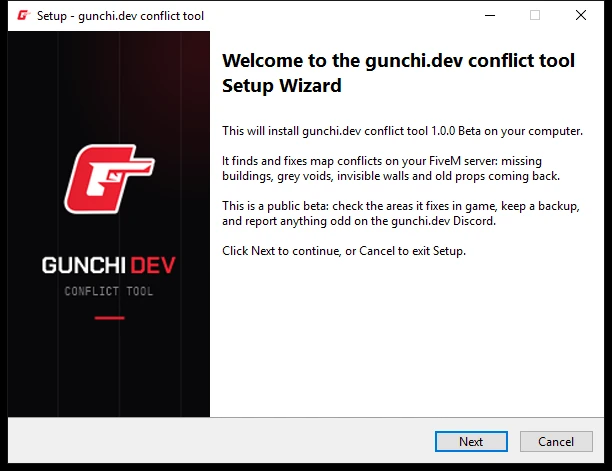
The installer's welcome page
  • Windows 10 / 11, 64-bit
  • GTA V Legacy installed (recommended, for vanilla comparison)
  • Your resources folder and server.cfg
  • No runtimes to install

Installs to Program Files with desktop and Start menu shortcuts. Updates install over the top and keep your settings.

SmartScreen may warn on first run during the beta: More info → Run anyway.


05

Changelog

v1.0.0 1 November 2026 Beta Latest
  • AddedFirst public beta
  • AddedMerges occlusion, map placement, distant buildings and lights, collision and edited game models
  • AddedKeeps every original map object in its place, so distant buildings and doors behave
  • AddedForce-loads the fix automatically when escrow-protected maps are involved
  • AddedTexture optimiser for files over FiveM's 16 MB limit
  • AddedAudit for existing fixes, and a history of every fix with one-click rollback
  • AddedWindows installer with desktop and Start menu shortcuts
Download v1.0.0 · 43.3 MB SHA-256 2f3f668d7b99b62b5325d7fe554a56bde277ca3e4aa4046d62316a2722da8926
Public beta

Fix your map conflicts

Run it on a copy of your server and let me know how it goes.